How to Customize Character Names & Themes on InstaTales.ai
Learn to create custom AI story characters on InstaTales.ai by specifying names, settings, and morals to make every bedtime a unique adventure.
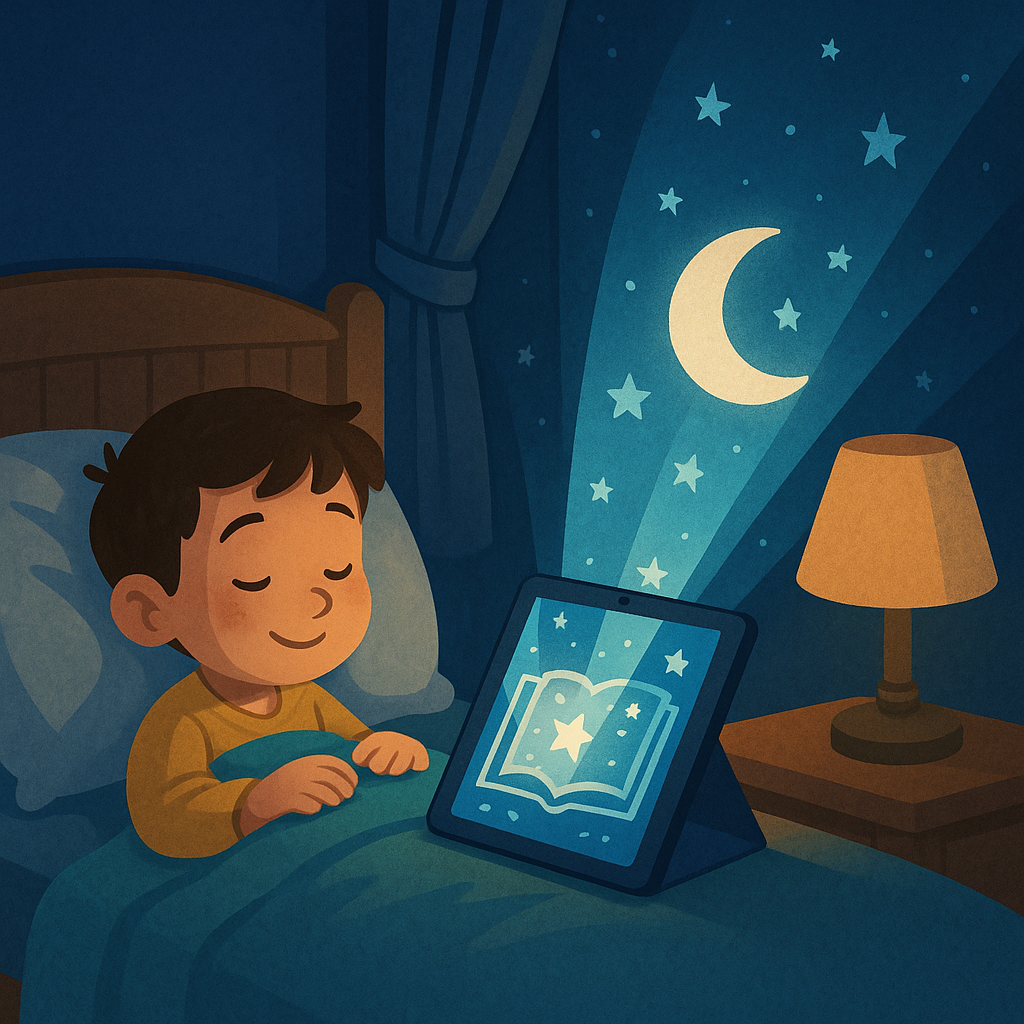
One of the joys of using InstaTales.ai is turning your child’s imagination into reality. Here’s how to create custom AI story characters and themes in a few simple steps. First, decide on the essentials: who are the heroes and where does the adventure take place? For example, your child might want a fearless astronaut named Sam exploring an underwater kingdom. When you enter your prompt, specify these names and settings up front.
Next, choose a moral or lesson. If your goal is to teach kindness, mention that in your request. The AI will weave this theme throughout the narrative, showing how Sam’s compassion helps them make friends with mermaids and sea turtles. You can also add supporting characters—siblings, pets, or magical creatures—to make the story more relatable.
Finally, adjust style and length. For younger children, request a short, gentle tale with simple language. For older kids, ask for more complex plots or even a two-part series to read over multiple nights. Remember, the clearer and more imaginative your prompt, the richer the story. Customization puts your child’s dreams at the center of the tale, making every bedtime a unique adventure.
Ready to Create a Personalized Bedtime Story?
Use our free AI bedtime story generator to create a personalized illustrated story for your child in 30 seconds — no credit card needed.
Popular story types:
Maya Rodriguez
Lead Content Editor & Early Literacy Specialist
Maya is a former early childhood educator and literacy specialist with over a decade of experience helping children develop a love of reading. She leads content at InstaTales, where she writes about the science of storytelling, child development, and how families can use personalized AI stories to build literacy and emotional resilience.
instatales.ai